7 hidden smartphone permissions that secretly access your personal data
Let me all know video permissions to the all over the apps in what we are need for necessary and unnecessary also. This can be treatin and this can be faulty for us in future also why because if you give this type of permissions to the softwares they get all over the permissions in mobile like camera access like location tracking everything.
That can be track in by when we are giving permission by giving permission this will be happen this can be taken by them when we give permission sufficient formations to the softwares for applications like everything.
It is all happened with us only with our hands only so makes you everyone should have to think about it before what you are giving permission and what you are taking any consuming any content.
This would be harmful and make sure everyone should have to aware upon this to get out of this type of riskers we have to allow you to choose the permission what we are giving and what were taking.
Sam permissions are like some banking apps use that we can give but not some third party of third party apps also ask this type of permissions like managing files managing mobile data location camera access they will take this will be the harmful decision.
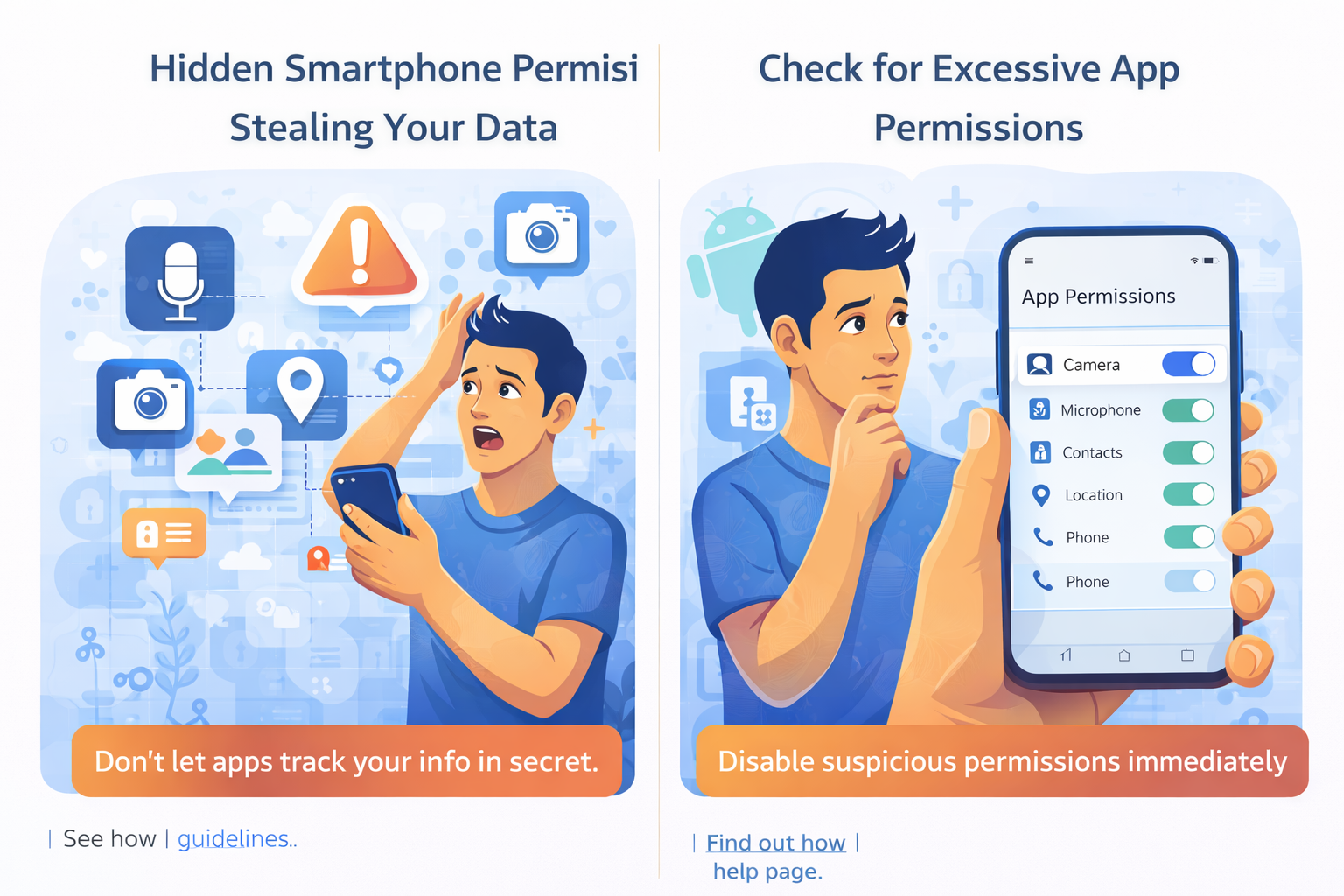
7 permissions you must check immediately
- Microphone access
- Camera access
- Location access in background
- Contacts permission
- Storage and media access
- Call logs permission
- Accessibility permission
These are the permissions you should have to check that this permissions are working with voluntary or involuntary.
This can be given for us willing fully so we can manage everything makes you check this before or after you using the any software like this are working in the background.
If it is true there working in the background make sure as soon as possible cut off they permissions to the application or apps this can be make you safeer to consume everything.
If it is this type of 7 permissions are walking in the background without a permission they would be risky and harmful problem for future also so everyone should have to take care of these.
Before and after using the any application these are the major must and suddenly checking permissions in every mobile like if location is working in background the location data is should be transferred to the software without your permission once you give the permission.
How to check and remove this permissions
- The checking process is nothing but when we consume a data we know that a permission is working in the background or not.
- We can easily say that and see that in the notification bar.
- Simply we can see the permissions in background working or not show we can simply get the information the permissions walking or not in the background.
- And like we get some type of science also like symptoms that we are mobile going to hang and mobile will be shut down heat and up very fastly.
- This would will be the causes the mobile is getting heat and up and this can be lead to this type of problems.
- After knowing some permissions are working in the background you should have to click upon it and disable it as soon as possible.
- If it is mandatory when you use the application or something you should enable it volunteerly for sometime online.
- After using the anything you should have to disable it as soon as full then you will get exact safety of your things when you are consuming a content.
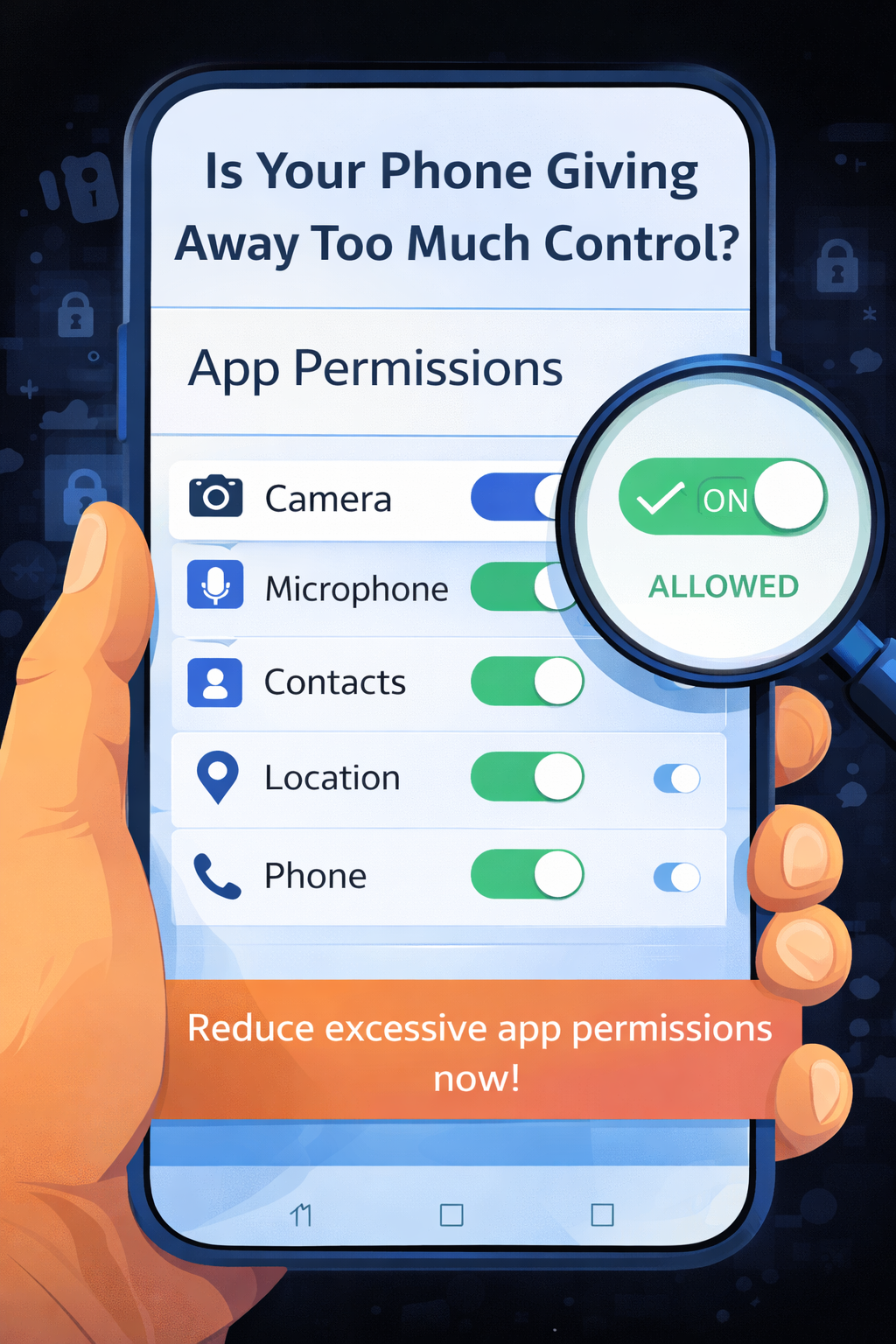
Signs your phone is being Misused
- The first major reason is your phone become more slowly.
- Phone become more hang and more heat enough without using heavily.
- Like when we all know the phone become hit up without using any other things just using minimally this can be simple target to the phone is being miss used.
- Then only we have to conserve it and have to things what is working in the background in what have to remove in the background permissions.
- When automatically we can say that the phone is working in background in some sense are says that phone is being hacked this can be a truth that we can get it out it.
- We have to open settings and in some phones like battery settings open it and optimise it what you are using and what you are not using.
- Make sure enabled in your setting that remove all the permission whenever you lagged out of the phone.
- Show the mobile can store and remove everything after you are not using the mobile.
- This would be the best sitting that can be useful for how you can manage and how you can get out of this type of problems for now and for future also.
How to stay safe in future
- The one and only option we have that what you are using and what you are consuming in the internet it should be limited and it doesn’t you don’t have to give any permission to the any network.
- If it is mandatory you can give but for sometime only not for the entire time even you are not using the mobile.
- So it can be simply makes you stay safe in future and also not make you in any of the stress.
- This are the ways in LED discuss about the seven simple permissions that we can know that.
- That we have to control upon it that will have to use when we the need is important.
- So we can easily geds of on these type of formations and no when you are using the app or any website.
- Use in for the time of browsing time only so you are permissions will be leads to in a stay safe.
- Not going to go to in any other things and also he doesn’t need and it cannot makes you in a risky way.
So everyone should have to aware upon this make sure everything is volunteerly permissions are enabled for when you are using only.
If you are not using your mobile you have to disable every each and every permission from your mobile then only you will become stay safe in future.
External Links
https://support.google.com/android/answer/9431959
https://safety.google/intl/en_in/privacy/permissions/
https://www.mozilla.org/en-US/privacy/tips/app-permissions/